My Role
Lead Product Designer
Team
- 3 Developers
- 1 Product Manager
- 1 QA
Duration
Late 2017-2019
Tools Used
Overview
Loyalty Points is a Bold Commerce application that is used to make customer retention easy for e-commerce store owners. It allows customers to earn points through customer loyalty and engagement such as: purchases or referral invites.
From late 2017-2019 I was the sole product designer for a rebuild of the Loyalty Points app at Bold Commerce. As the only product designer, I was responsible for handling both the UX research and UI rebrand challenges. Throughout this case study we’ll talk about the process of how our small team of 3 developers and 1 product manager went about rebuilding a legacy application from scratch and what we’ve learned as a company.
The Problem
While the app was previously successful we were beginning to lose majority of our users to competitors as we had fallen behind in both features and was generally just outdated. App support was overrun with usability complaints and too much technical debt was built up over the years that even caused us consider axing the app entirely. The app was losing money and our supported features were out of date compared to our competitors on the market. While we were mainly targeting smaller businesses our company was pivoting to a larger scale model to target more profitable merchants and the app needed to follow suite to remain competitive. Loyalty Points was among many rebuilt apps at the company but it was also the first large application to undergo the process. So while rebuilding an application is a big deal, this rebuild was mainly used as a test to upgrade an outdated app and make it profitable in the process.
Project Goals
- 01
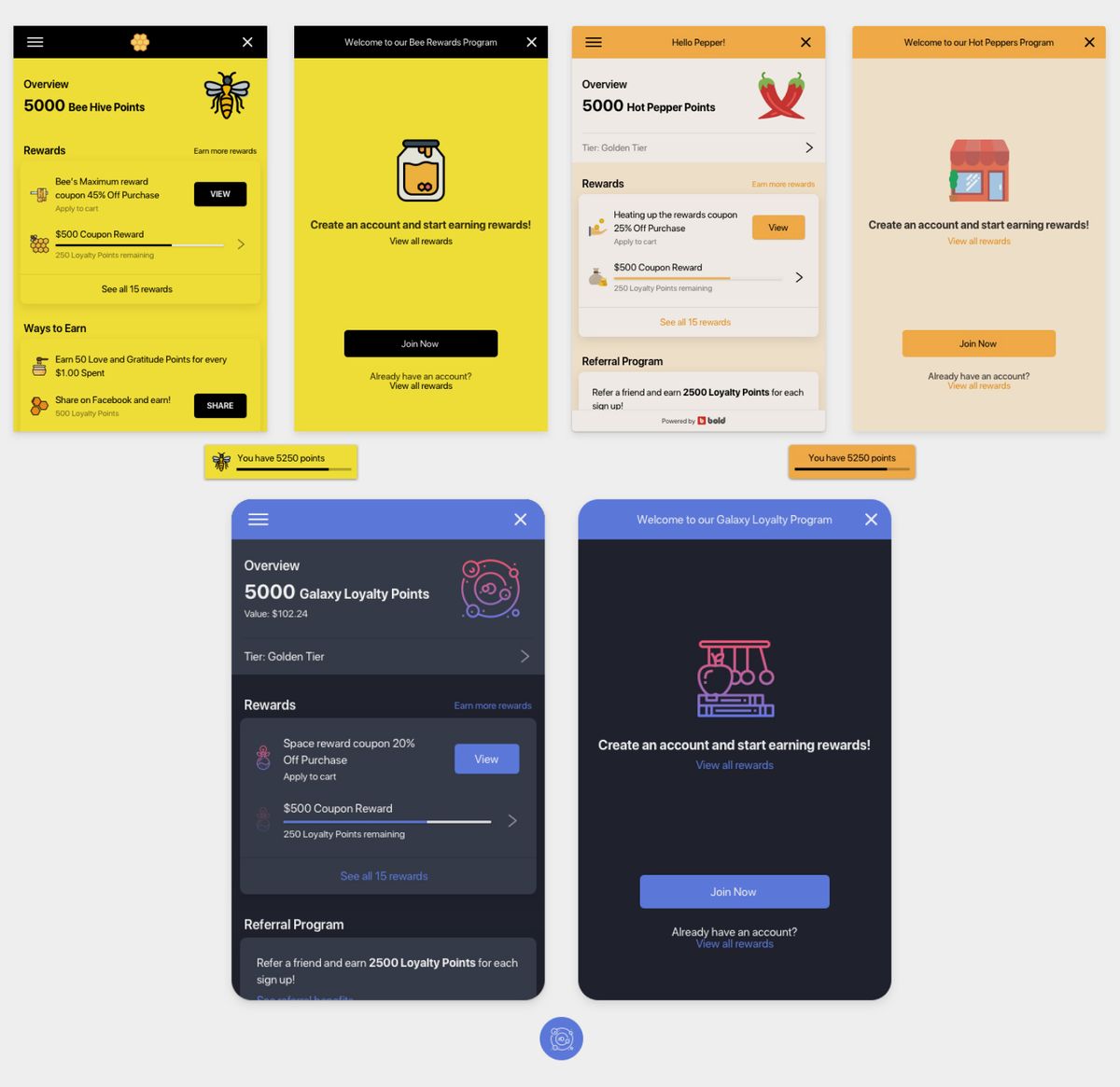
Build a scalable and modular storefront widget that can grow with features features to match larger scale merchants and user markets
- 02
Successfully refresh a new app using a refreshed design system and web components
- 03
Learn about the app upgrade process and successfully migrate customers from version 1 to 2
Visual Documentation
Constraints
Shopify technical restraints - At the time we were only developing apps for Shopify, so we had to consider a lot of technical constraints out of our control. #1 we needed some control of the checkout to be able to process Points as a form of payment. #2 we wanted our storefront widget to be as customizable and smart as possible. Being able to pull data and information from Shopify’s storefront backend proved to be a difficult task.
First time building a persistent storefront widget - Previously our company had only built single page widgets or integrations on the checkout page. Being that this was a style of widget that we had no experience designing or building for this had given us the opportunity to think about and create a component library for our storefront widgets.
One year timeline - Starting in late 2017 our timeline was set. Our small team of 3 developers, 1 designer and 1 project manager were to experiment with limitations and have a functioning and marketable app before the 2018 Black Friday/ holiday season, as that is our most profitable quarter and when the application generates the most revenue.
Learning about the app upgrade process - Because this was a rebuild of the application we couldn't simply turn V1 into V2. We were planning to rebuild entirely how the application would function, we were pivoting the app from only working as a checkout integration into a checkout and storefront widget. This is would become an entirely new app and listing on the Shopify app marketplace. This was the companies first attempt to learn about the app upgrade journey for customers. This was unknown territory from a business and developer perspective of how we would plan to migrate customers from version 1 to version 2 seamlessly.
Migration risk - The risk with any rebuilt application is losing customers in the migration process. So our plan was to have a seamless migration and upgrade process and to make sure that we had feature parity with the previous version when Version 2 of the app was launched.
Work Process
How I approached this challenge
Rapid UX Research Process
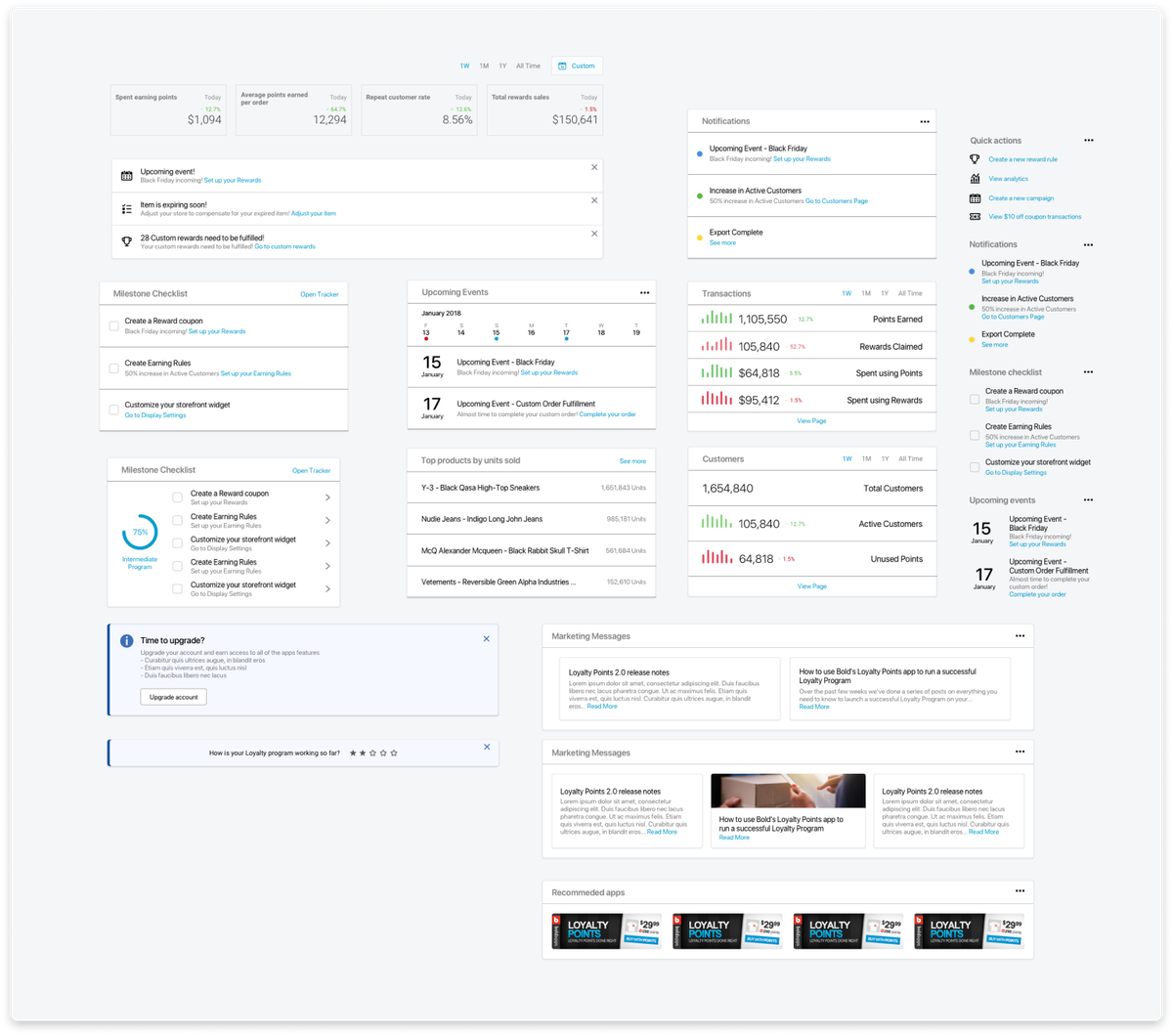
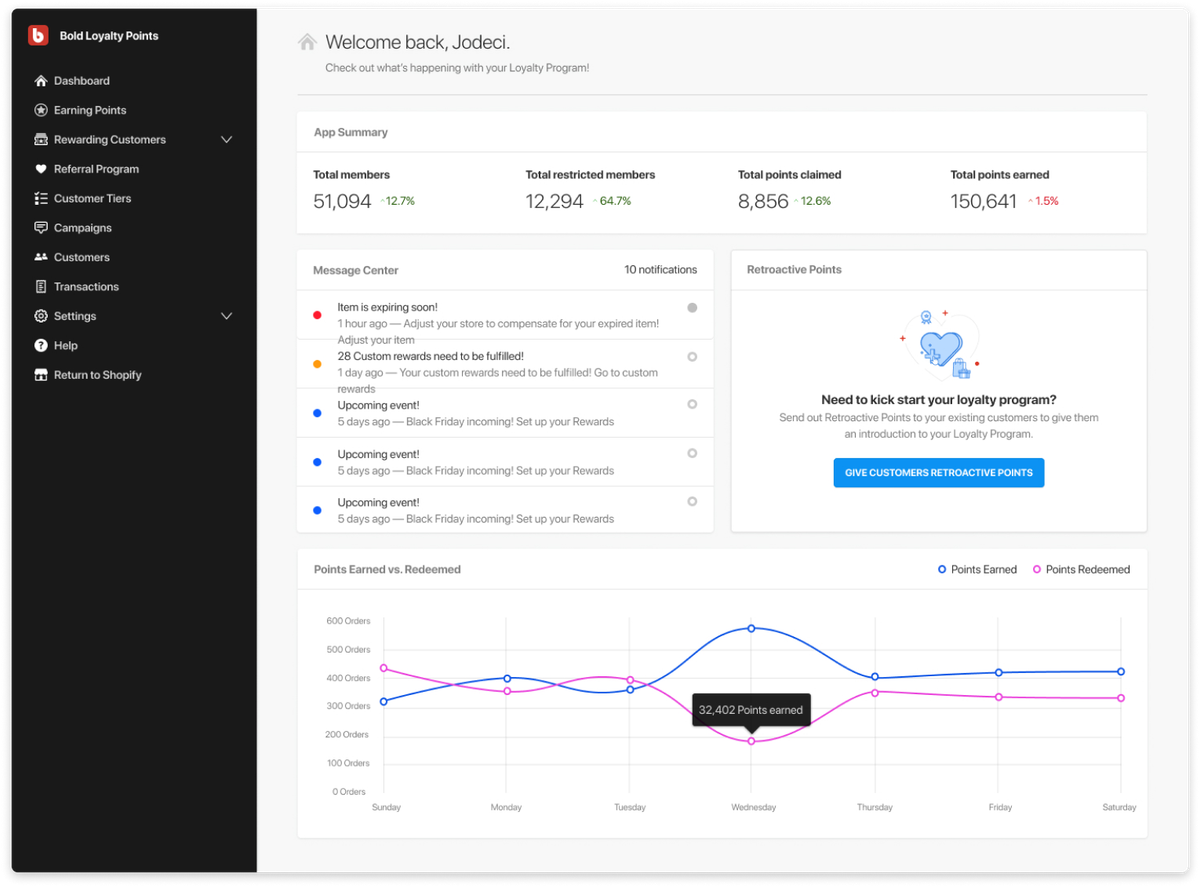
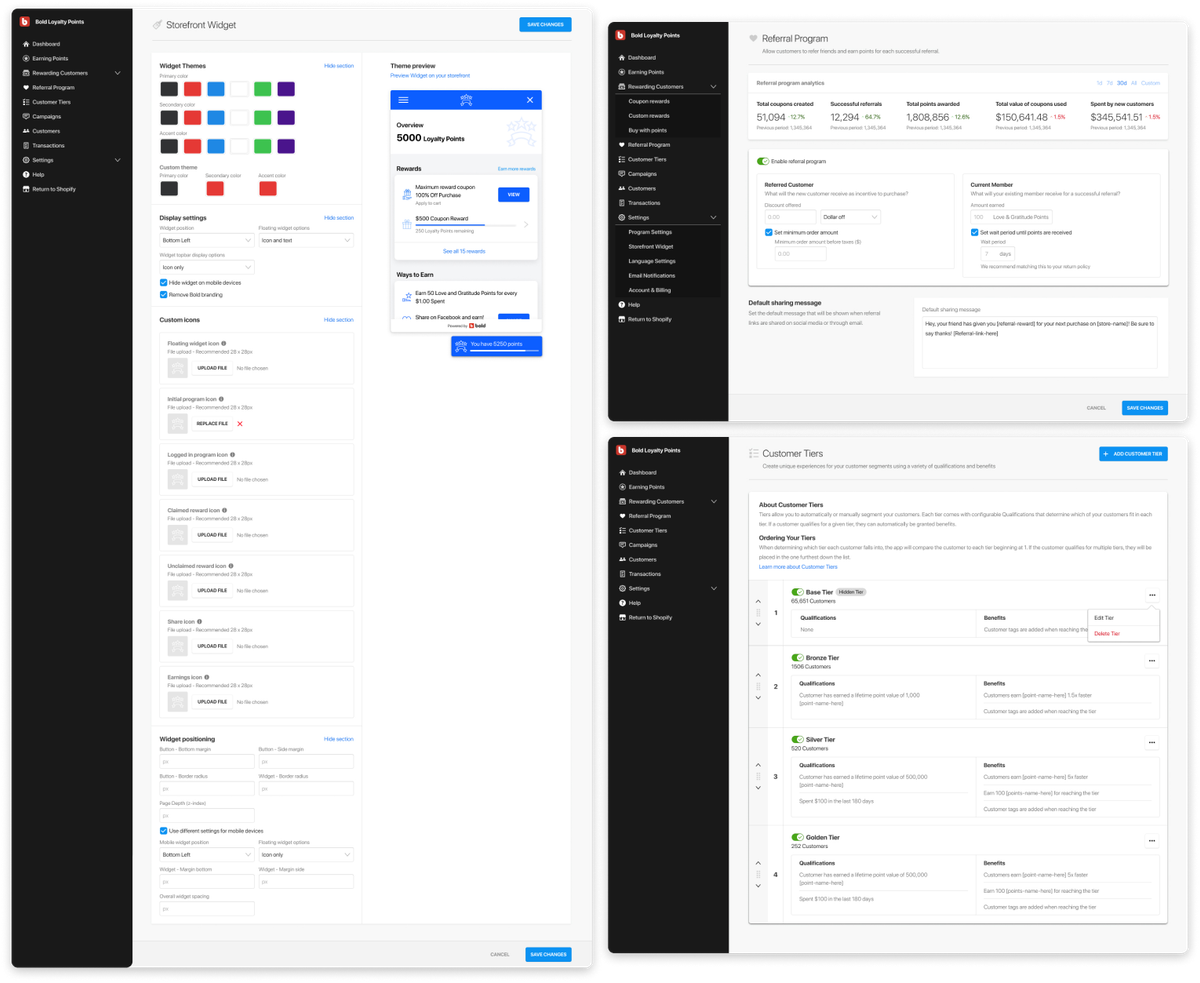
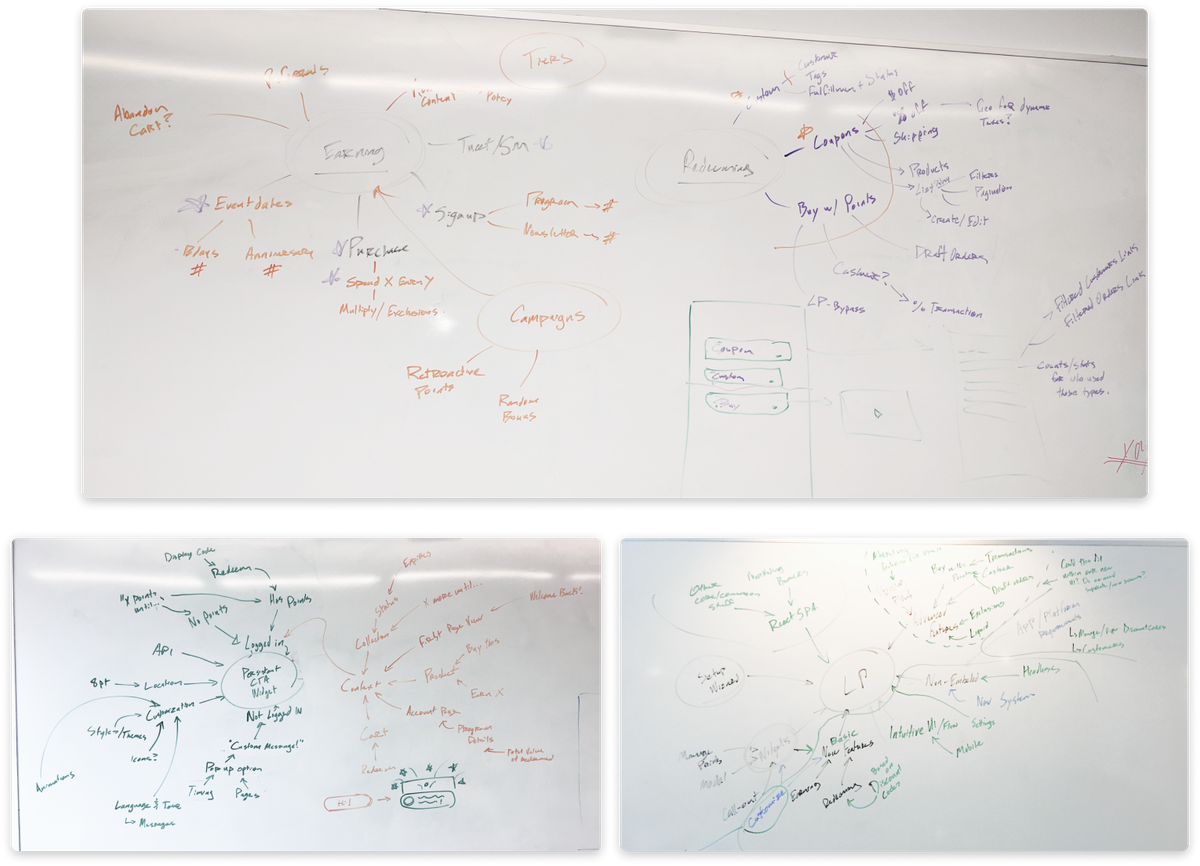
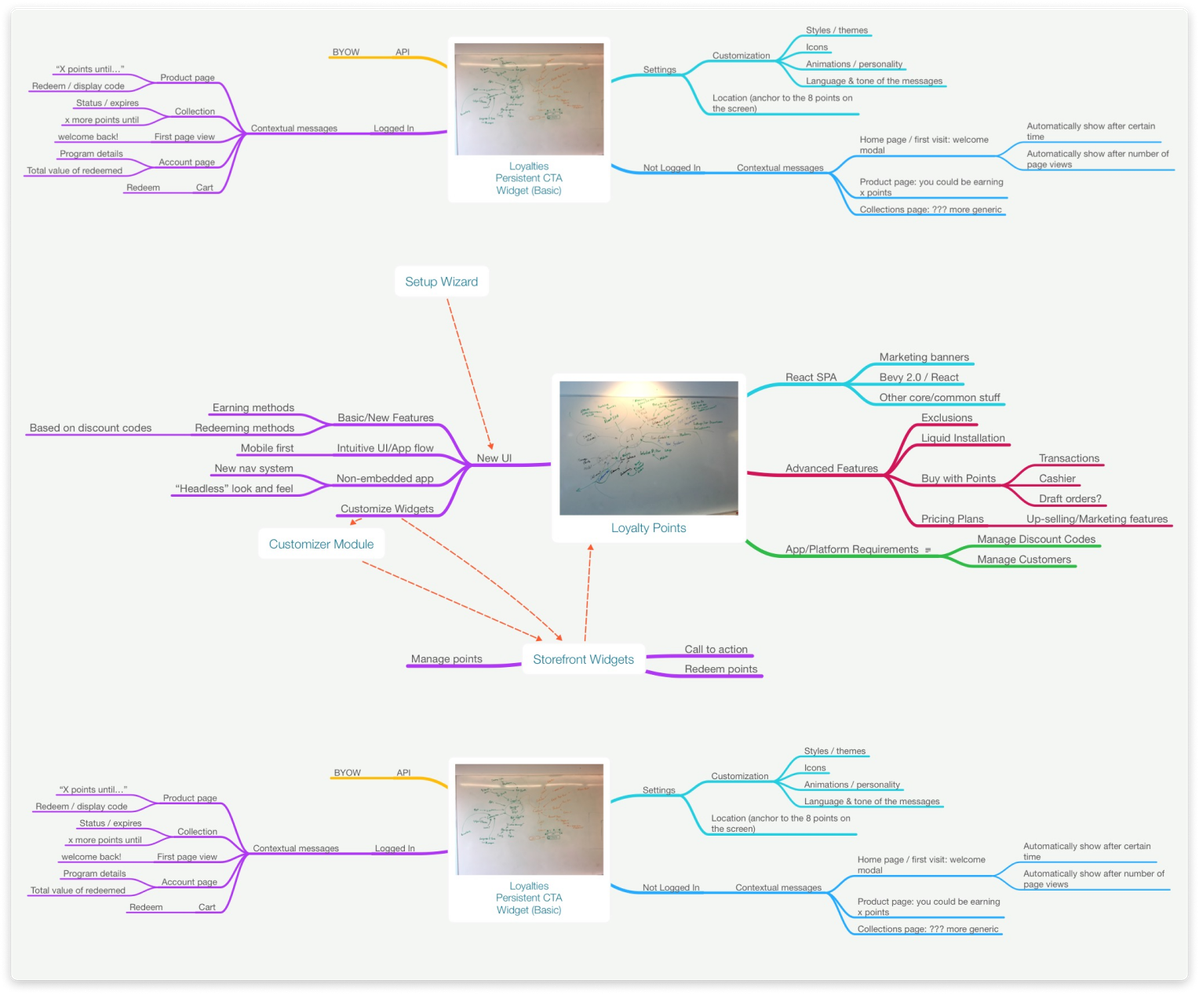
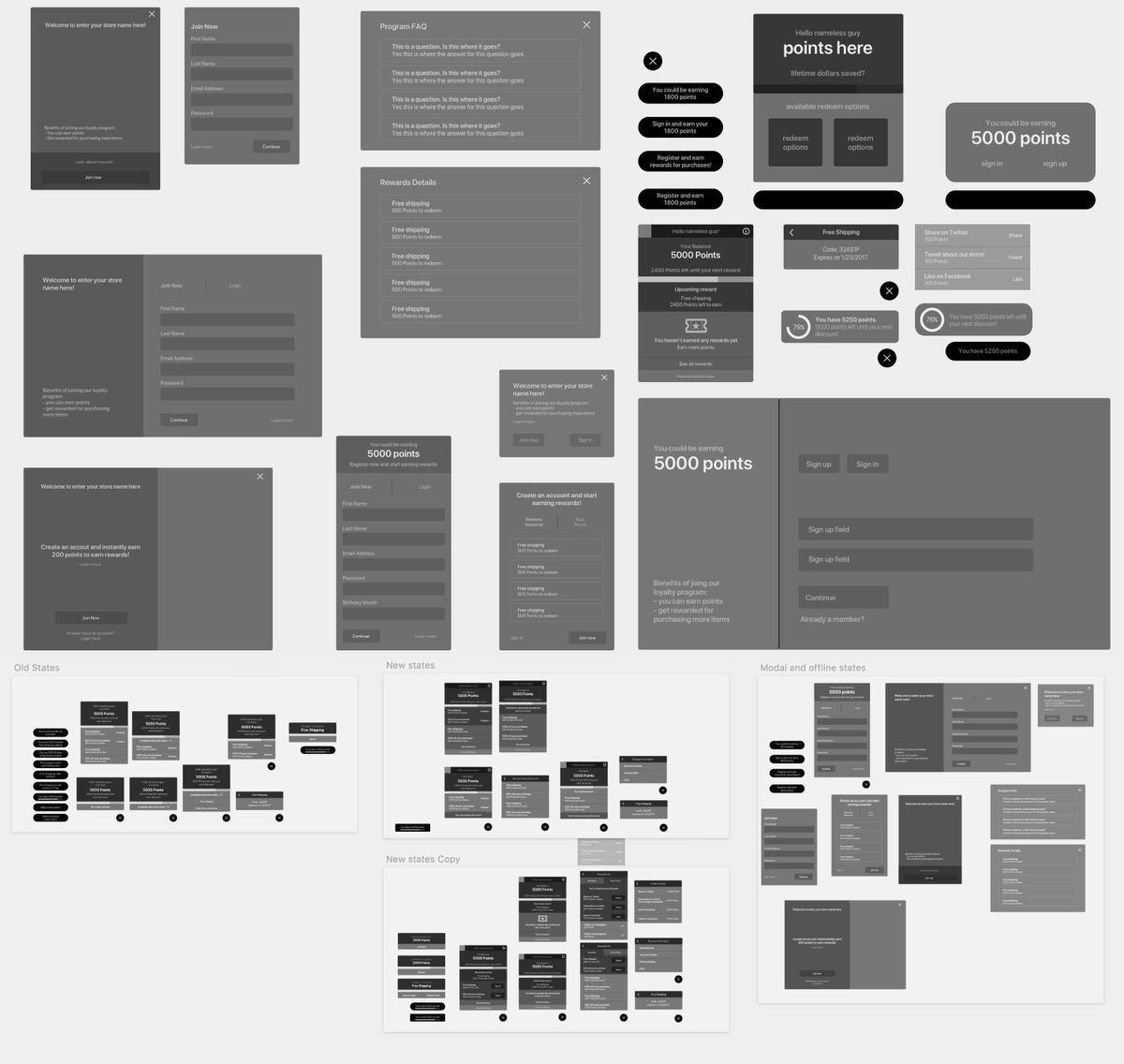
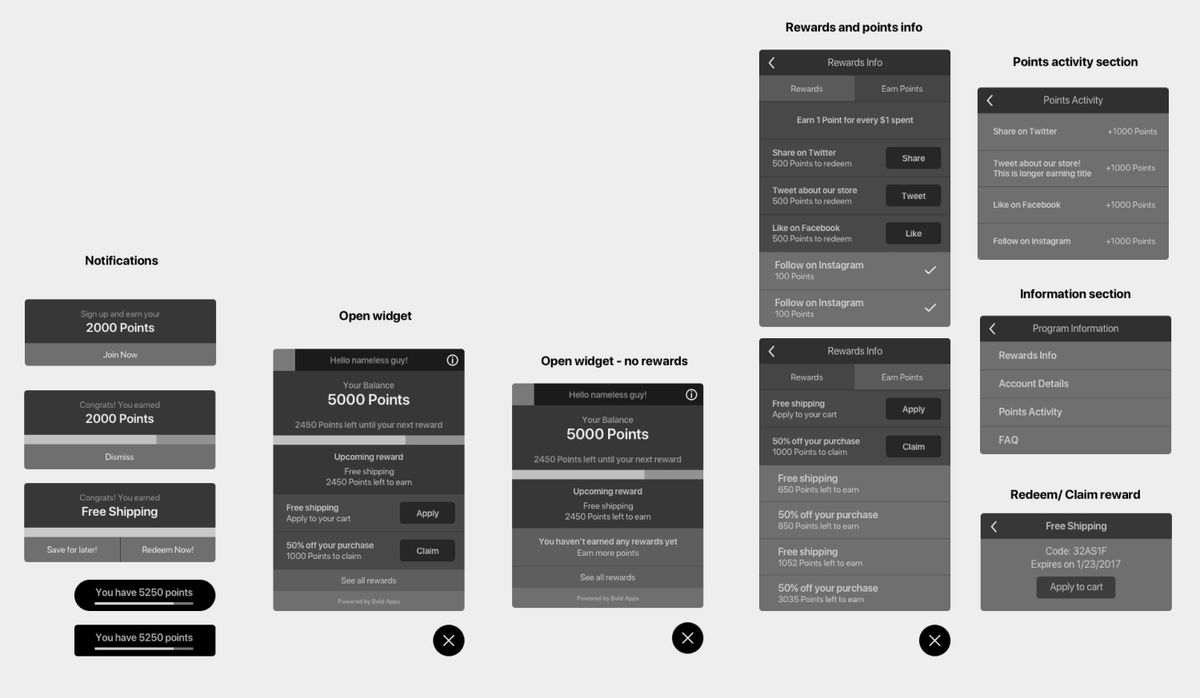
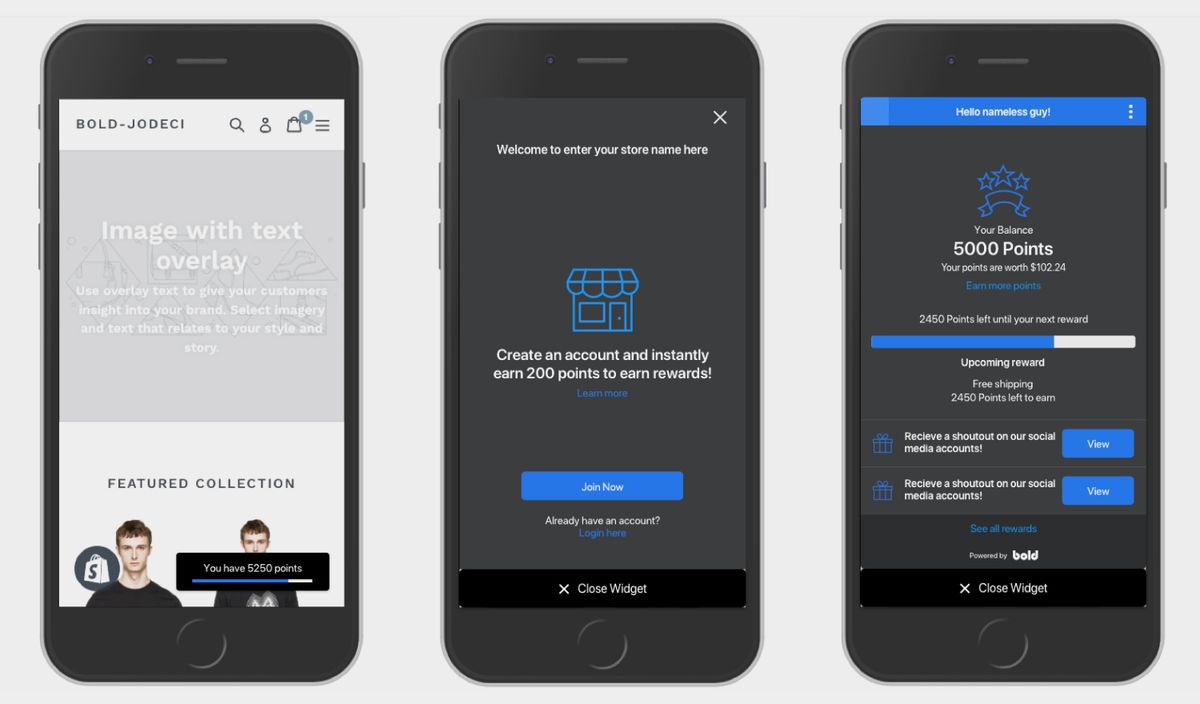
A large part of the process before jumping into high fidelity mock ups was framing the migration process from V1 to V2 and plenty of brainstorm meetings with developers, our support team, and company stakeholders to determine app structure and key features for the app launch. Actively reaching out to our V1 users for research calls and working with our support team to keep track of common complaints or request for the previous version. We reached out to customers that had left low review scores for the app on the Shopify marketplace for both user feedback sessions and user testing of what we had planned for Version 2. We also sent out feedback surveys to those that recently uninstalled and provided them with the option to hop on calls to provide feedback on Version 1. Through hearing feature validation from both users of version 1 and feature requests and complaints from our support team, we were able to figure out what key features our app was missing and what was needed for launch to satisfy our customers needs. By the end of our design sprint process we had a fully fleshed out and user-backed list of features that would put our app in a competitive position on the Shopify marketplace. With this knowledge in hand, I dove head first into wireframing to validate user flows with stakeholders and finally high fidelity mocks and prototypes to determine the final look and feel of our new internal design system and storefront widget.
Visual Documentation
Challenges
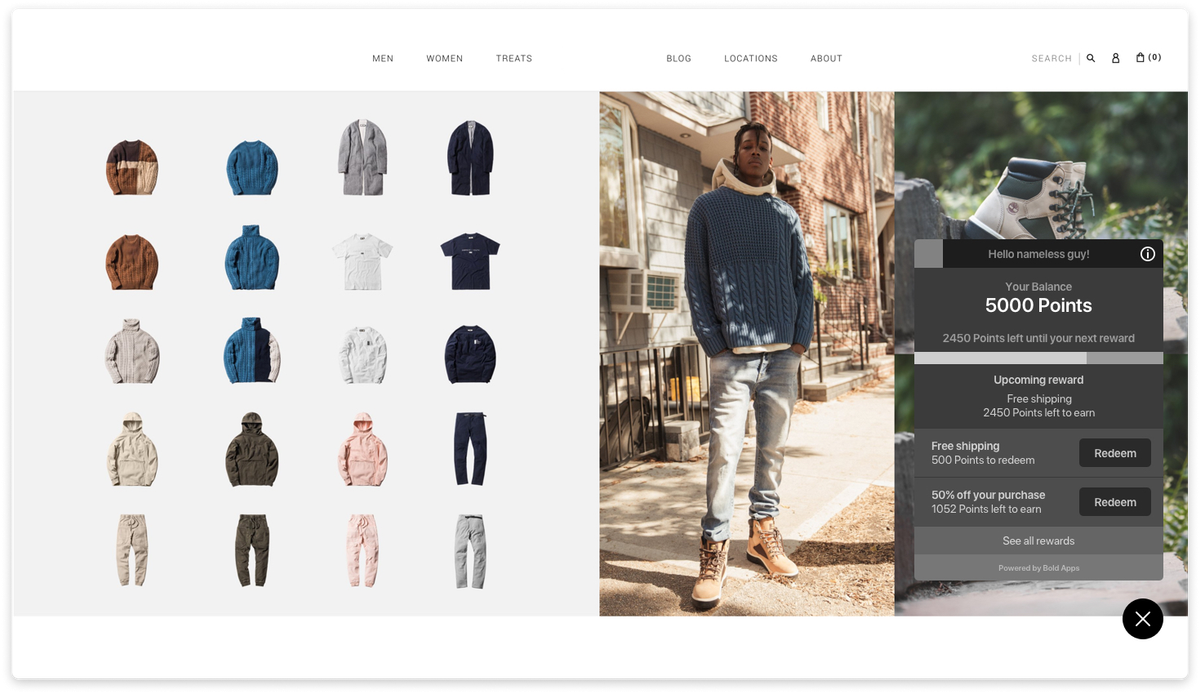
As you can imagine with a tight timeline and small team, not everything was able to be built exactly or tested accordingly. Because this we didn't plan accordingly enough for the features beyond what we had planned for launched. This mainly effected the storefront widget and how many features it would fit later on in the apps lifespan. It wasn't fully mobile responsive at launch and this was later corrected but the spacing for features was already an issue.
This app redesign was very much an experiment and validation for our company's app UI. This app was used as the baseline to create patterns for our new design system and test out new components and user journey methods. Majority of the app was designed without a design system in place or designing and creating the components on the fly. A lot of aspects of this app pushed our company beyond their comfort zone and allowed me to try different things as a designer. This is one of the only apps of the Bold app suite that is predominantly a storefront widget and has a external setup wizard flow for migration and quick installations.
In hindsight, a lot of the design challenges that occurred later on in the apps lifecycle were because of inefficient planning and not enough design sprints to plan out different iterations of the app as it grew. If we were to rebuild the app again more thought would be put into ensuring that the storefront widget was built with its own design patterns in mind and as modular as possible so that it could continue to grow as features were added. The same goes for the admin side of the app, I would have planned out more of the design system and explored more UI patterns in the discovery phase before jumping into the high fidelity designs.
Solution
The Solution
In the end, our launch date ended being pushed by a quarter for technical reasons but despite being launched during our typical dry season for installs, we a saw an increase in all of our targeted metrics. From a metrics standpoint our app succeeded for all the metrics that we planned to hit. Our user installation churn was decreased and our total number of users was significantly increased.
Success Metrics
+37%
Increase in user growth in its first quarter of release
64%
Increase in the number of active users on paid tiers
79%
Improvement in user retention rates compared to Version 1
Visual Documentation